> ## Documentation Index
> Fetch the complete documentation index at: https://docs.jtbdos.com/llms.txt
> Use this file to discover all available pages before exploring further.

# Documentation

> How the documentation is configured in JTBDOS.

export const Authors = ({data}) => {
  const baseUrl = typeof window !== 'undefined' && window.location.origin.includes('localhost') ? '' : 'https://raw.githubusercontent.com/haydenbleasel/JTBDOS/refs/heads/main/docs';
  return <div style={{
    marginBottom: '3rem',
    display: 'flex',
    flexDirection: 'column',
    gap: '0.5rem'
  }}>
      <span style={{
    color: 'rgb(107, 114, 128)',
    fontSize: '0.875rem'
  }}>Co-authored by</span>
      <div style={{
    display: 'flex',
    flexWrap: 'wrap',
    alignItems: 'center',
    gap: '0.5rem'
  }}>
        {data.map(author => <div key={author.name} style={{
    padding: '0.75rem',
    paddingRight: '1rem',
    display: 'inline-flex',
    alignItems: 'center',
    gap: '0.75rem',
    fontWeight: 'normal',
    position: 'relative',
    ringWidth: '2px',
    ringColor: 'transparent',
    borderRadius: '0.75rem',
    backgroundColor: 'white',
    border: '1px solid rgba(0,0,0,0.1)',
    overflow: 'hidden'
  }}>
            <div style={{
    position: 'relative'
  }}>
              <div style={{
    overflow: 'hidden',
    border: '1px solid #e5e7eb',
    borderRadius: '9999px',
    width: '2rem',
    height: '2rem'
  }}>
                <img style={{
    margin: 0,
    width: '100%',
    height: '100%',
    objectFit: 'cover'
  }} src={`${baseUrl}/images/authors/${author.company.id}/${author.user.id}.jpg`} alt="" width={32} height={32} />
              </div>
              <div style={{
    position: 'absolute',
    border: '1px solid white',
    overflow: 'hidden',
    borderRadius: '9999px',
    objectFit: 'cover',
    width: '1rem',
    height: '1rem',
    right: '-0.25rem',
    bottom: '-0.25rem'
  }}>
                <img style={{
    margin: 0,
    width: '100%',
    height: '100%',
    objectFit: 'cover'
  }} src={`${baseUrl}/images/authors/${author.company.id}/logo.jpg`} alt="" width={16} height={16} />
              </div>
            </div>
            <div style={{
    display: 'flex',
    flexDirection: 'column'
  }}>
              <span style={{
    fontWeight: 600,
    lineHeight: 1.25,
    fontSize: '13px',
    letterSpacing: '-0.01em'
  }}>
                {author.user.name}
              </span>
              <span style={{
    color: 'rgb(107, 114, 128)',
    lineHeight: 1.25,
    fontSize: '11px'
  }}>
                {author.company.name}
              </span>
            </div>
          </div>)}
      </div>
    </div>;
};

<Authors
  data={[{
user: {
name: 'Hayden Bleasel',
id: 'haydenbleasel',
},
company: {
name: 'JTBDOS',
id: 'JTBDOS',
},
}, {
user: {
name: 'Flo Merian',
id: 'fmerian',
},
company: {
name: 'Mintlify',
id: 'mintlify',
},
}]}
/>

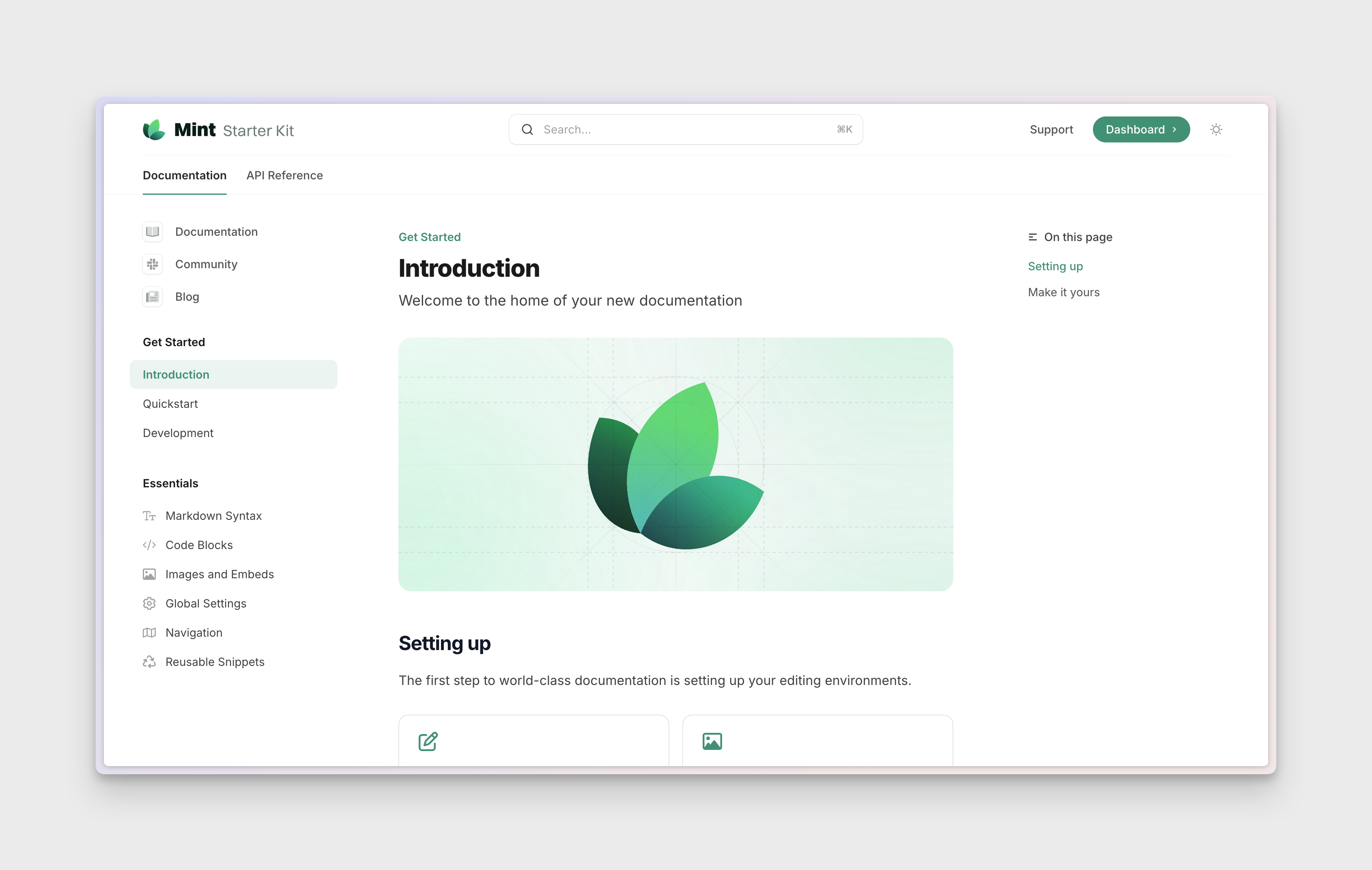
<Frame>
  <img src="https://mintlify.s3.us-west-1.amazonaws.com/thrv-c7d92728/images/docs.png" alt="A preview of docs" />
</Frame>

<Tip>The `docs` application runs on port 3004. We recommend deploying it to `docs.{yourdomain}.com`.</Tip>

JTBDOS uses [Mintlify](https://mintlify.com) to generate beautiful docs. Each page is a `.mdx` file, written in Markdown, with built-in UI components and API playground.

## Creating a new page

To create a new documentation page, add a new MDX file to the `apps/docs` directory. The file name will be used as the slug for the page and the frontmatter will be used to generate the docs page. For example:

```mdx apps/docs/hello-world.mdx
---
title: 'Quickstart'
description: 'Start building modern documentation in under five minutes.'
---
```

Learn more supported [meta tags](https://mintlify.com/docs/page).

## Adding a page to the navigation

To add a page to the sidebar, you'll need to define it in the `mint.json` file in the `apps/docs` directory. From the previous example, here's how you can add it to the sidebar:

```mdx mint.json {2-5}
"navigation": [
  {
    "group": "Getting Started",
    "pages": ["hello-world"]
  },
  {
    // ...
  }
]
```

## Advanced

You can build the docs you want with advanced features.

<Card title="Global Settings" icon="wrench" href="https://mintlify.com/docs/settings/global" horizontal>
  Customize your documentation using the mint.json file
</Card>

<Card title="Components" icon="shapes" href="https://mintlify.com/docs/content/components" horizontal>
  Explore the variety of components available
</Card>